
NeoView
Production-quality PDF viewer with precision measurement tools
Designed for LaTeX workflows. Auto-reload, measurements in pt/mm/picas, and PNG export.


Production-quality PDF viewer with precision measurement tools
Designed for LaTeX workflows. Auto-reload, measurements in pt/mm/picas, and PNG export.
Precision tools for technical PDF workflows
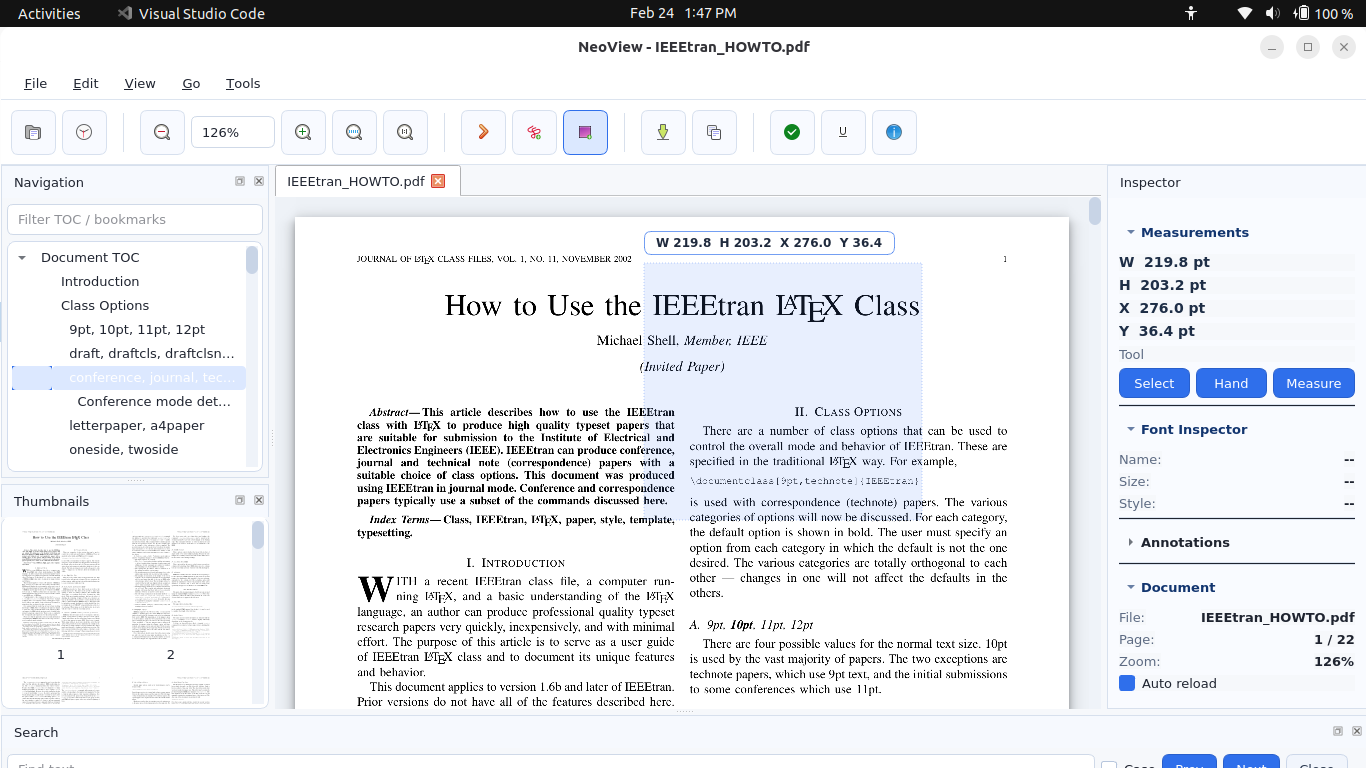
Rectangle selection with live dimensions in points, picas, and millimeters
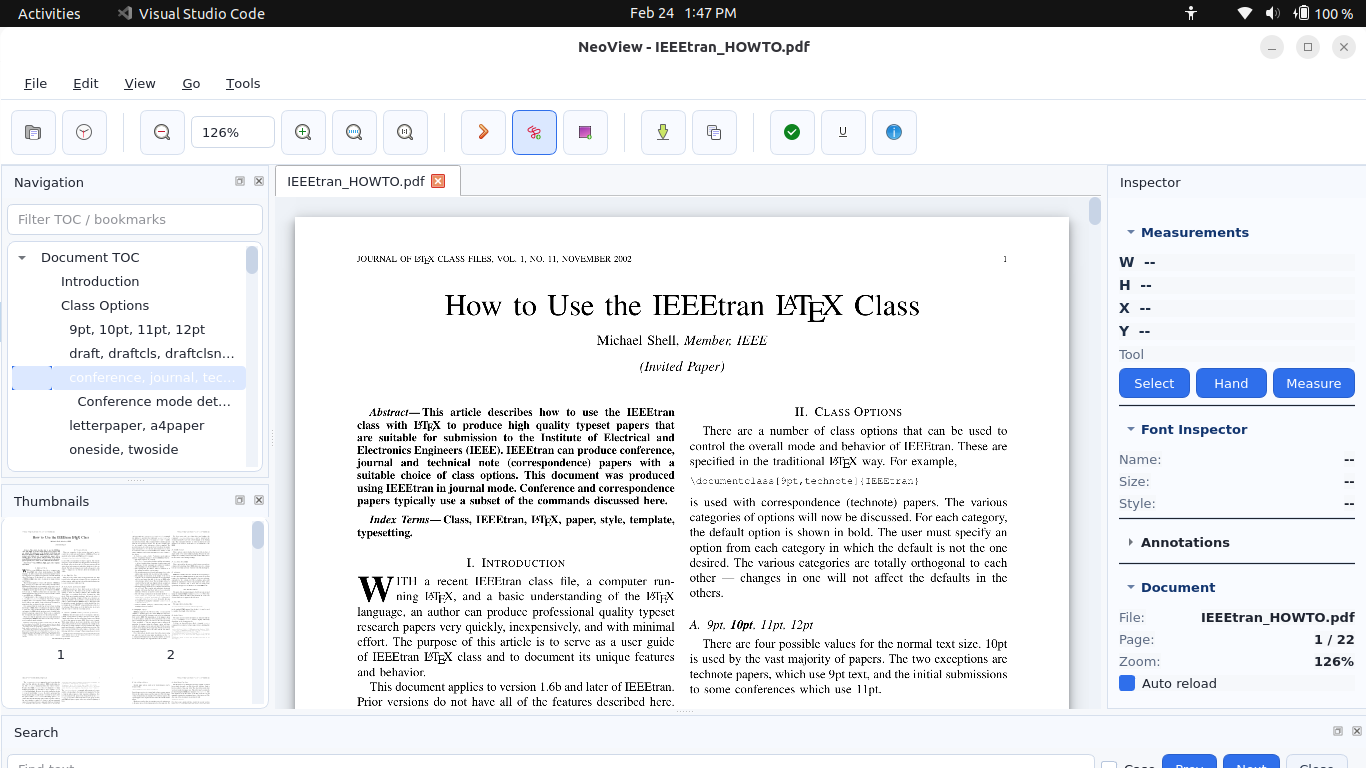
View font names and sizes for accurate typography verification
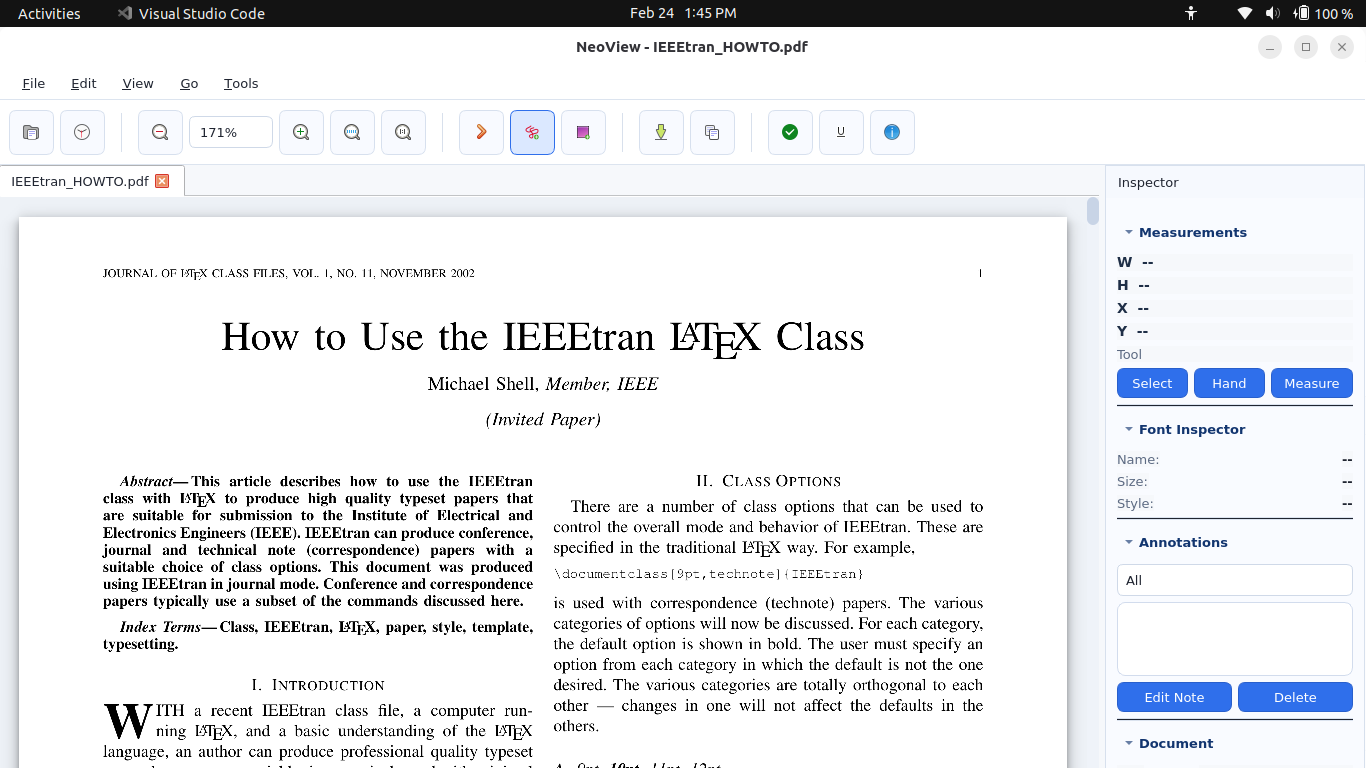
Export selections as PNG at 150, 300, or 600 DPI
Built for professionals who need more than just a PDF viewer
Automatically refreshes when your PDF is rebuilt. No more closing and reopening — just compile and see your changes instantly. Perfect for LaTeX, Typst, and any PDF workflow.
Draw rectangles and get instant measurements in points (pt), picas, and millimeters. Essential for layout verification, proofreading, and QA work.
Inspect text to see font names and sizes. Ideal for verifying typography, checking font embedding, and ensuring design consistency.
| Feature | NeoView | SumatraPDF | Adobe Acrobat | Evince |
|---|---|---|---|---|
| Auto-reload on file change | ✓ | ✓ | ✗ | ✓ |
| Measurement tools (pt/mm) | ✓ | ✓ | ✓ | ✗ |
| Font name/size inspection | ✓ | ✗ | ✓ | ✗ |
| Export selection as PNG | ✓ | ✗ | ✓ | ✗ |
| Linux native | ✓ | ✗ | ✗ | ✓ |
| Windows native | ✓ | ✓ | ✓ | ✗ |
| Lightweight & fast | ✓ | ✓ | ✗ | ✓ |
| Open source | ✓ | ✓ | ✗ | ✓ |
| Docker/container support | ✓ | ✗ | ✗ | ✗ |
Everything you need in a professional PDF viewer
Watches file for external changes and refreshes automatically. Selection and page position are preserved during reload.
Click and drag to create measurement rectangles. Live display in points (pt), picas, and millimeters (mm).
View font names and text sizes. Essential for typography verification and design consistency checks.
Export any selection as high-quality PNG at 150, 300, or 600 DPI. Perfect for documentation and sharing.
Open and navigate multi-page PDFs with ease. Page Up/Down keys for quick browsing.
Pinch gestures, Ctrl+wheel, Fit Width (W), and Actual Size (1). Measurements remain accurate at any zoom.
Drag edges and corners to resize selections. Arrow keys for 1pt nudges, Shift+Arrow for 10pt increments.
Windows standalone executable. Linux via pip install. Works with both X11 and Wayland.
Run in containers with Wayland or X11 forwarding. Perfect for reproducible environments.
Ctrl+C copies measurement values to clipboard. Ready to paste into documents or spreadsheets.
Comprehensive keyboard shortcuts for all actions. Power users can work without touching the mouse.
Optional Linux desktop launcher with icon. Integrates with your application menu and file associations.
Choose your platform
Download the standalone executable — no Python required.
Download latest neoview.exepy -m pip install neoview
Then launch with: neoview
py -m pip install .[dev]
pyinstaller neoview.spec
The executable will be at dist\neoview.exe
pip install neoview
Launch with: neoview or neoview /path/to/file.pdf
Create a desktop shortcut for easy access:
git clone https://github.com/Srikanth-Mohankumar/neoview.git
cd neoview
pip install .
./install_desktop.sh
docker build -t pdf-measure .
docker run -it --rm \
  -e XDG_RUNTIME_DIR=/run/user/$(id -u) \
  -e WAYLAND_DISPLAY=$WAYLAND_DISPLAY \
  -e QT_QPA_PLATFORM=wayland \
  -v $XDG_RUNTIME_DIR/$WAYLAND_DISPLAY:/run/user/$(id -u)/$WAYLAND_DISPLAY \
  -v /path/to/pdfs:/pdfs \
  pdf-measure /pdfs/document.pdf
xhost +local:docker
docker run -it --rm \
  -e DISPLAY=$DISPLAY \
  -e QT_QPA_PLATFORM=xcb \
  -v /tmp/.X11-unix:/tmp/.X11-unix \
  -v /path/to/pdfs:/pdfs \
  pdf-measure /pdfs/document.pdf
Precision at your fingertips